

Latest Version
3AM Apps
Media
Windows
Free
9p3h806whl9r
Report a Problem
More About Video Converter - Any Video Converter
A Practical Windows Utility for Local Media Conversion
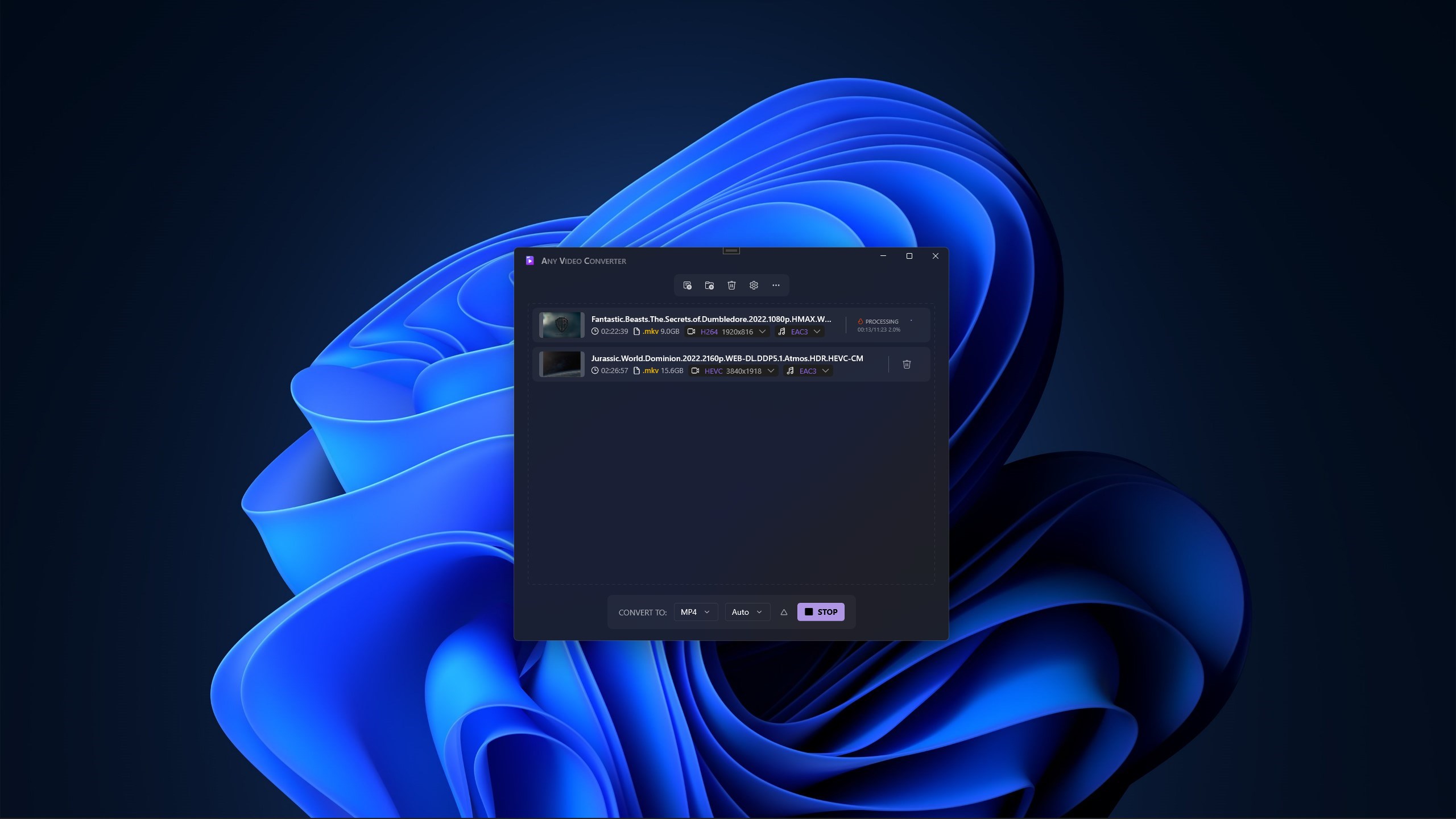
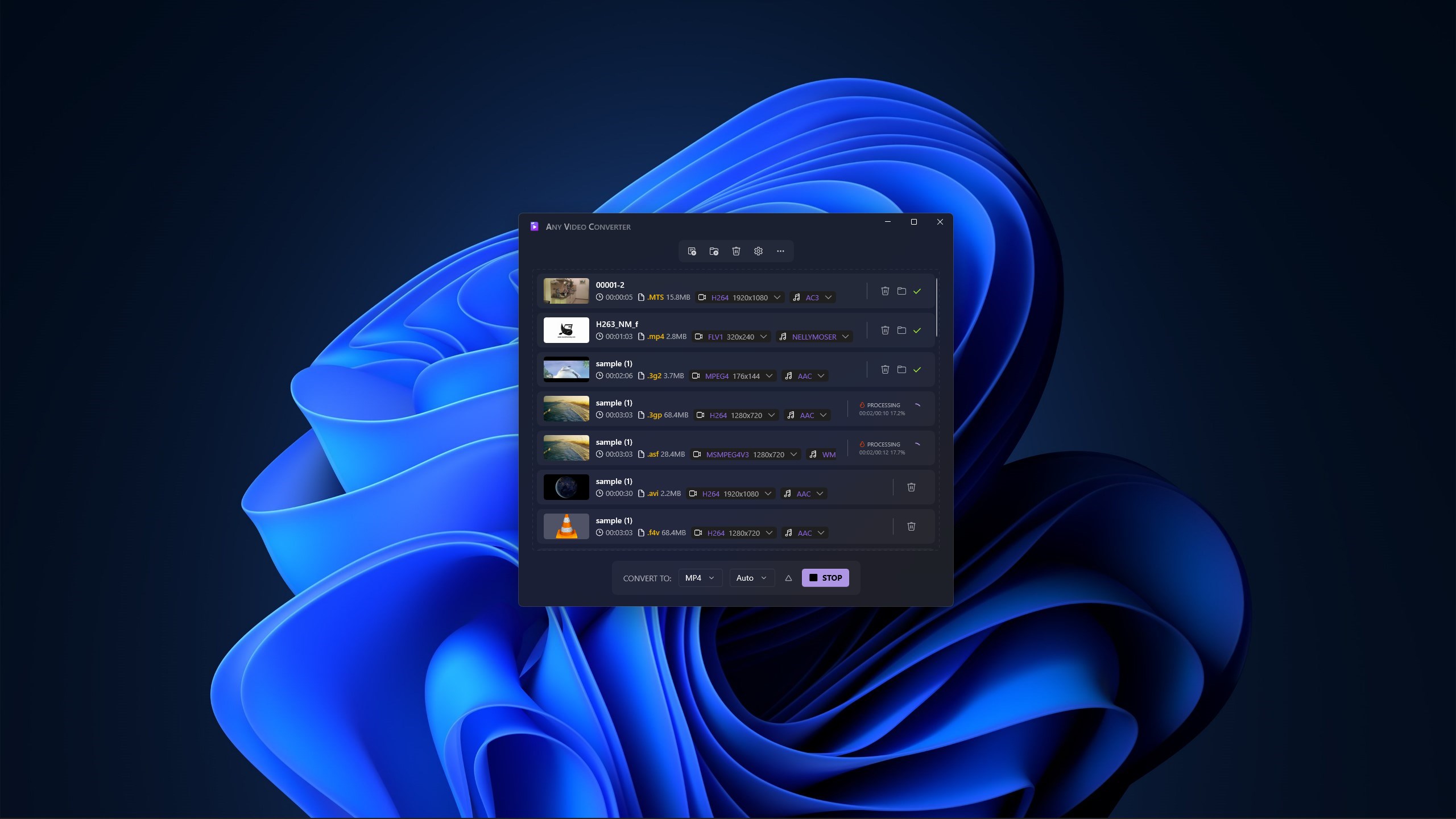
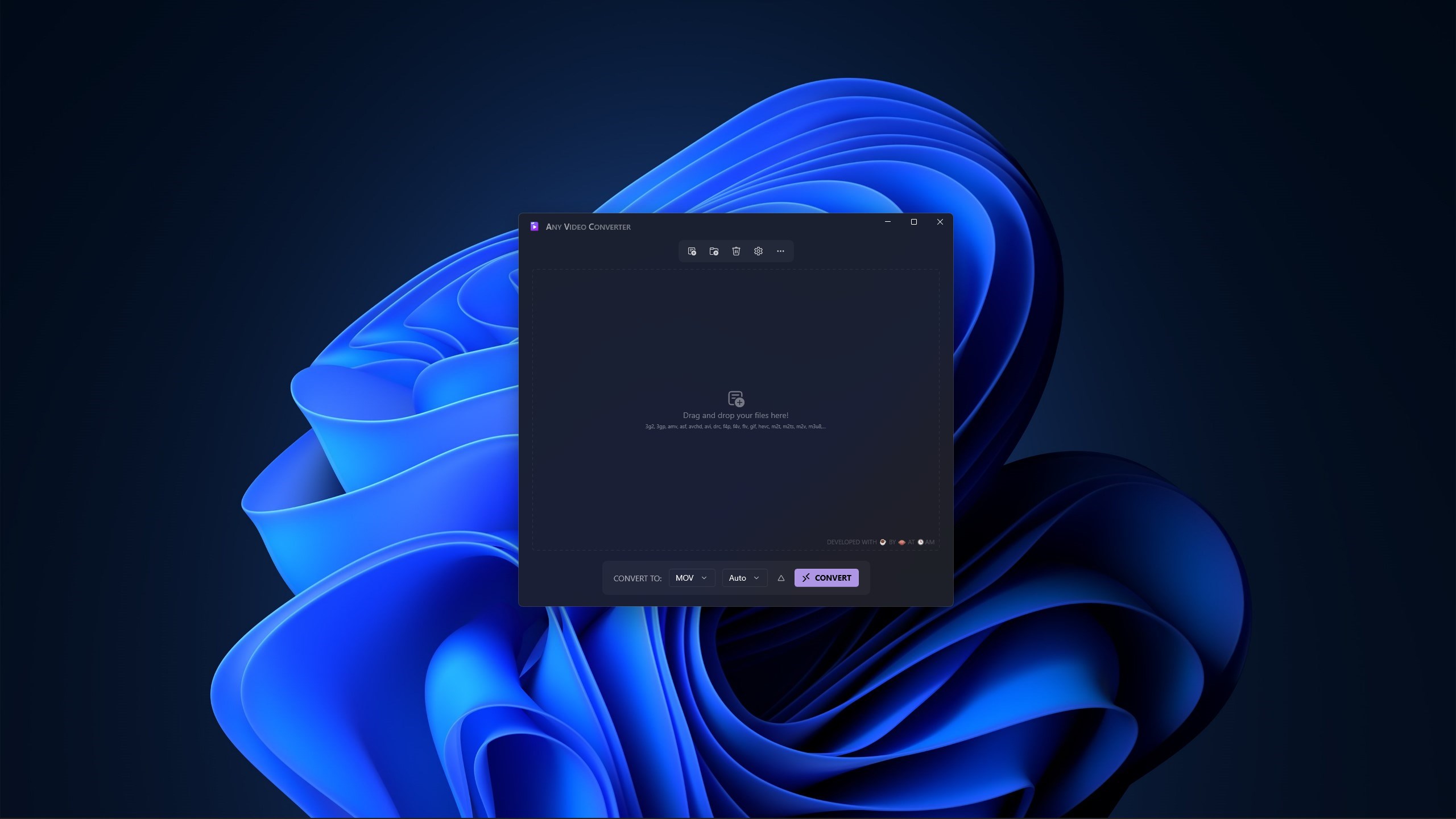
Managing media files across multiple devices often leads to compatibility issues. Video Converter - Any Video Converter by 3AM Apps offers a straightforward, desktop-based solution to this common headache. Designed specifically for the Windows platform, this utility allows users to transcode video files into different formats directly on their local machine, ensuring your data remains private and secure.
Key Capabilities: What Can You Actually Do?
Unlike cloud-based conversion tools that require you to upload sensitive personal or corporate media to external servers, this application processes everything locally. Here is how you can use it in your daily workflow:
- Format Optimization: Change video container formats to ensure your files play seamlessly on specific smart TVs, mobile devices, or legacy media players.
- Storage Management: Reduce bulky video file sizes to free up valuable hard drive space or prepare files for easier sharing.
- Local Processing Security: Enjoy peace of mind knowing your files never leave your Windows machine, eliminating data leak risks.
Understanding the Free vs. Pro Version
The developer, 3AM Apps, offers two distinct tiers depending on your volume of work:
- Free Version: Allows you to convert one file at a time with certain operational limitations. It is an excellent way to test the conversion speed and interface suitability on your system.
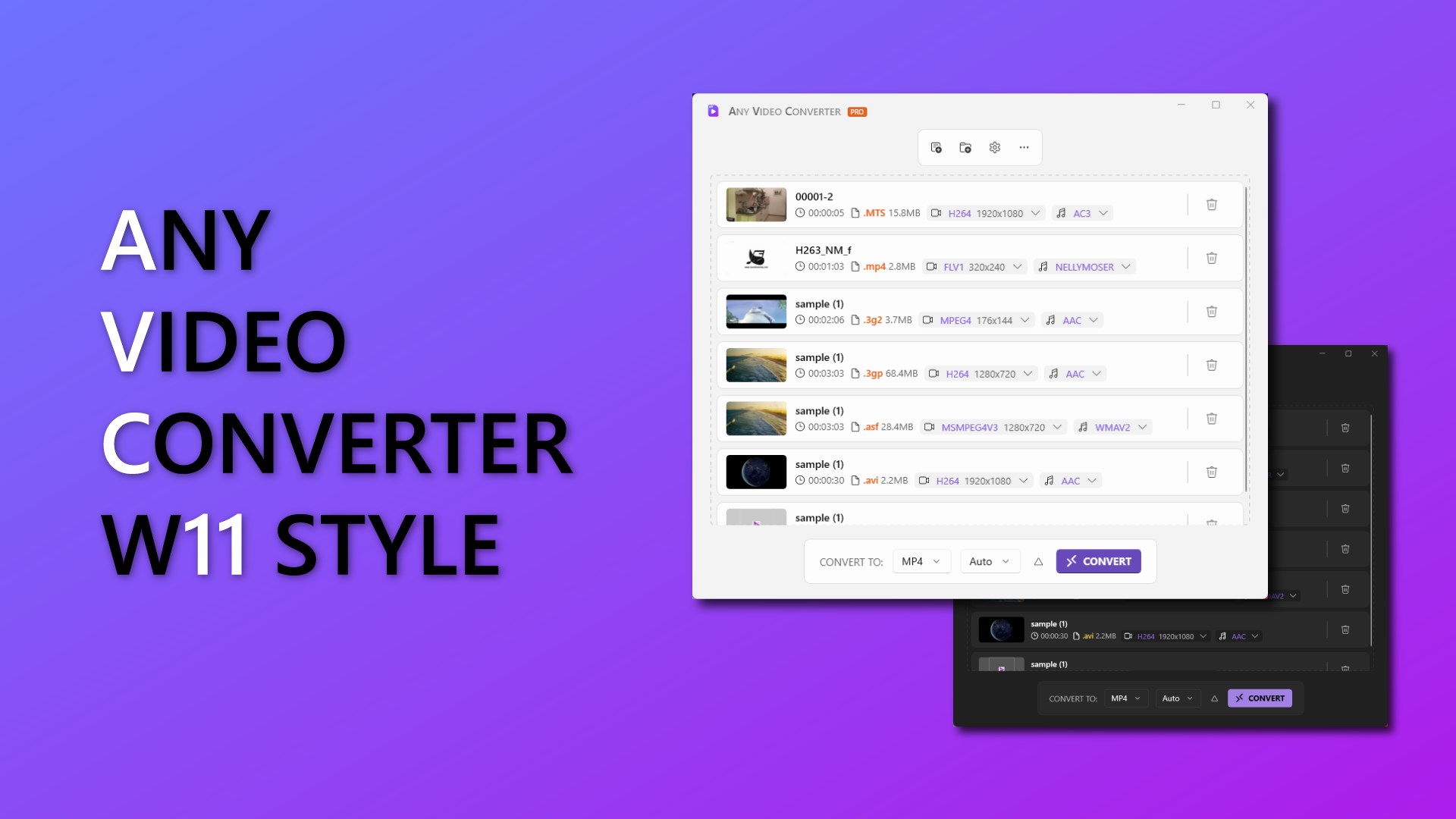
- Pro Version: Unlocks the full suite of features, removing file queue limitations for more demanding batch conversion tasks.
Is It Right for Your Workflow?
If you occasionally need to adjust a video format for a presentation or compress a home video, the free version of Video Converter - Any Video Converter provides an accessible entry point. Professionals handling larger volumes of media will likely want to explore the Pro upgrade to bypass the single-file limitation. Because it is built natively for Windows, it integrates smoothly into your desktop environment without demanding complex configurations.
Review Verdict
With a strong user rating of 4.6, this application stands out for its simplicity and local-first security model. If you are looking for a reliable, no-nonsense desktop transcoder, we highly recommend exploring its features. To see if it fits your specific media needs, check out the official listing on the Microsoft Store.
Rate the App
User Reviews





Popular Apps










Editor's Choice