

Latest Version
Moonlight Tidal Technology
Media
Windows
Free
9n5cpdq7sxf0
Report a Problem
More About HEVC - Any Video Converter Pro
Unlocking Seamless Media Compatibility on Windows
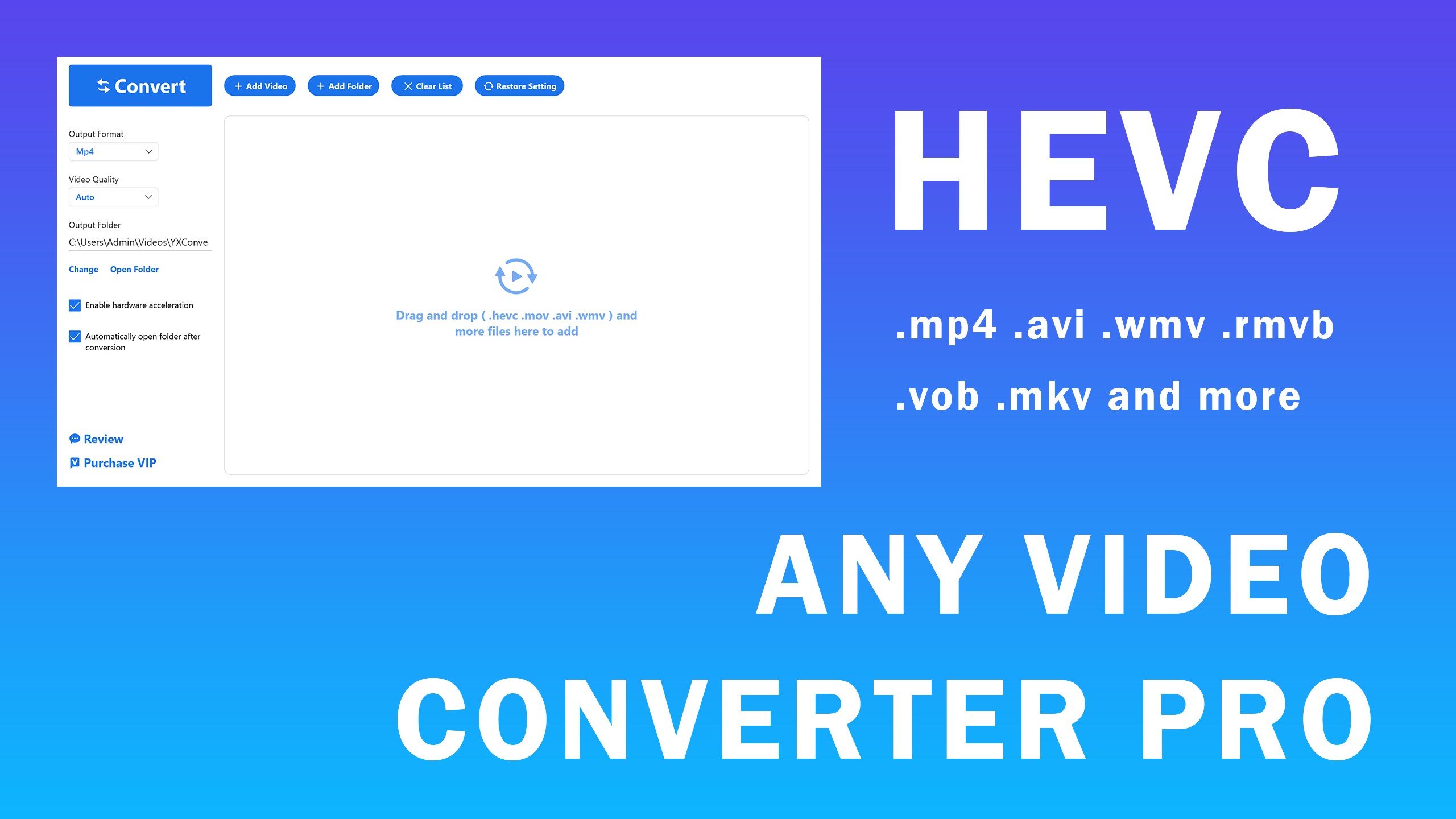
Finding a reliable utility to handle stubborn file formats can be a frustrating hurdle. HEVC - Any Video Converter Pro video conversion software stands out by offering a streamlined, lightweight solution to this modern digital dilemma. Developed by Moonlight Tidal Technology, this Windows utility is designed specifically to bridge the gap between rare, legacy, or highly compressed container formats and widely supported playback environments. Instead of dealing with codec errors, users can quickly standardize their media library with minimal effort.
Key Features of HEVC - Any Video Converter Pro
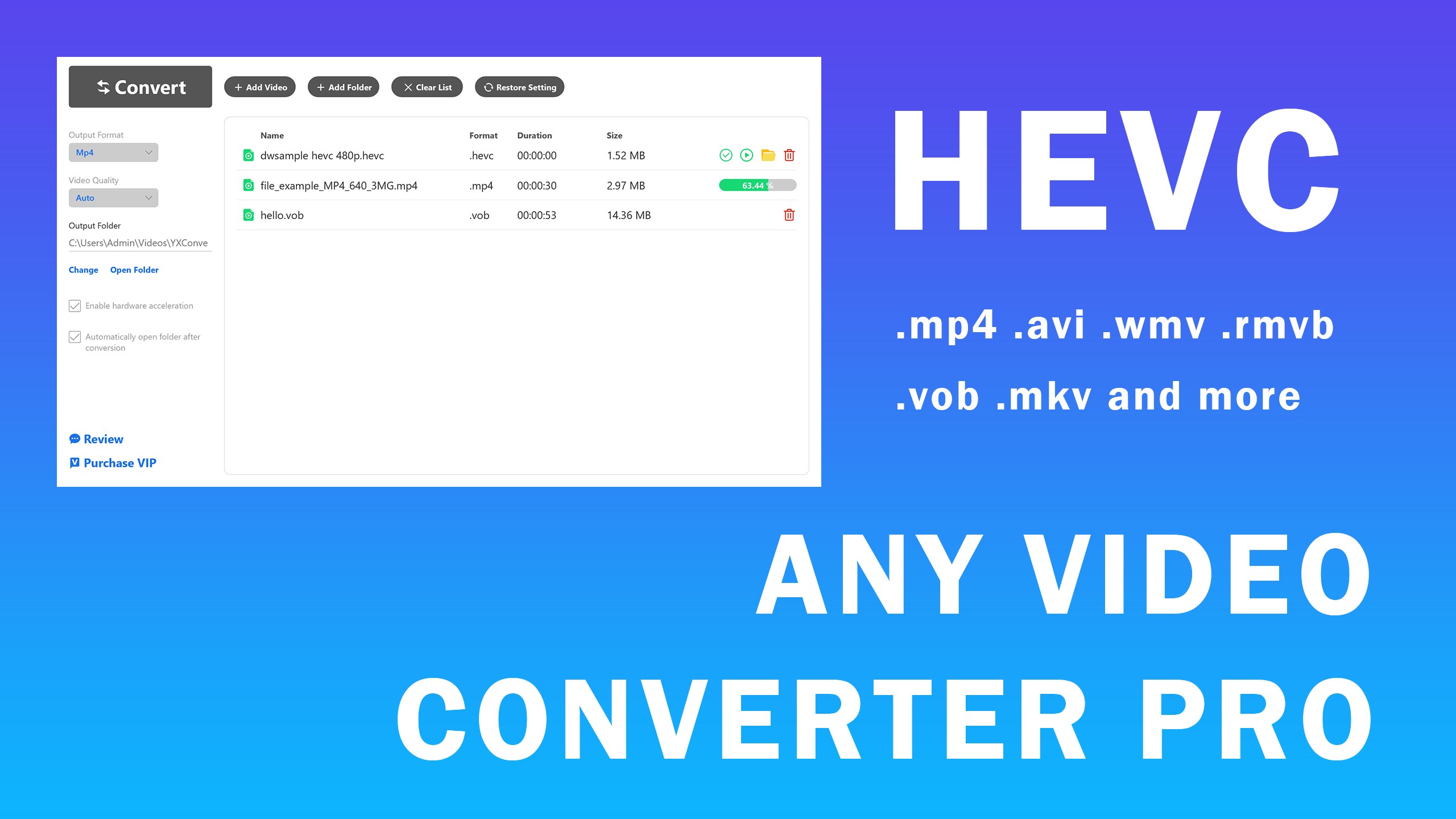
- Broad Format Accommodation: The application easily handles input files ranging from standard .mp4, .avi, and .wmv to more specialized formats like .hevc, .mkv, .rmvb, .flv, and even animated .gif files.
- Simplified Output Profiles: Streamline your workflow by targeting highly compatible output containers such as .mp4 and .wmv.
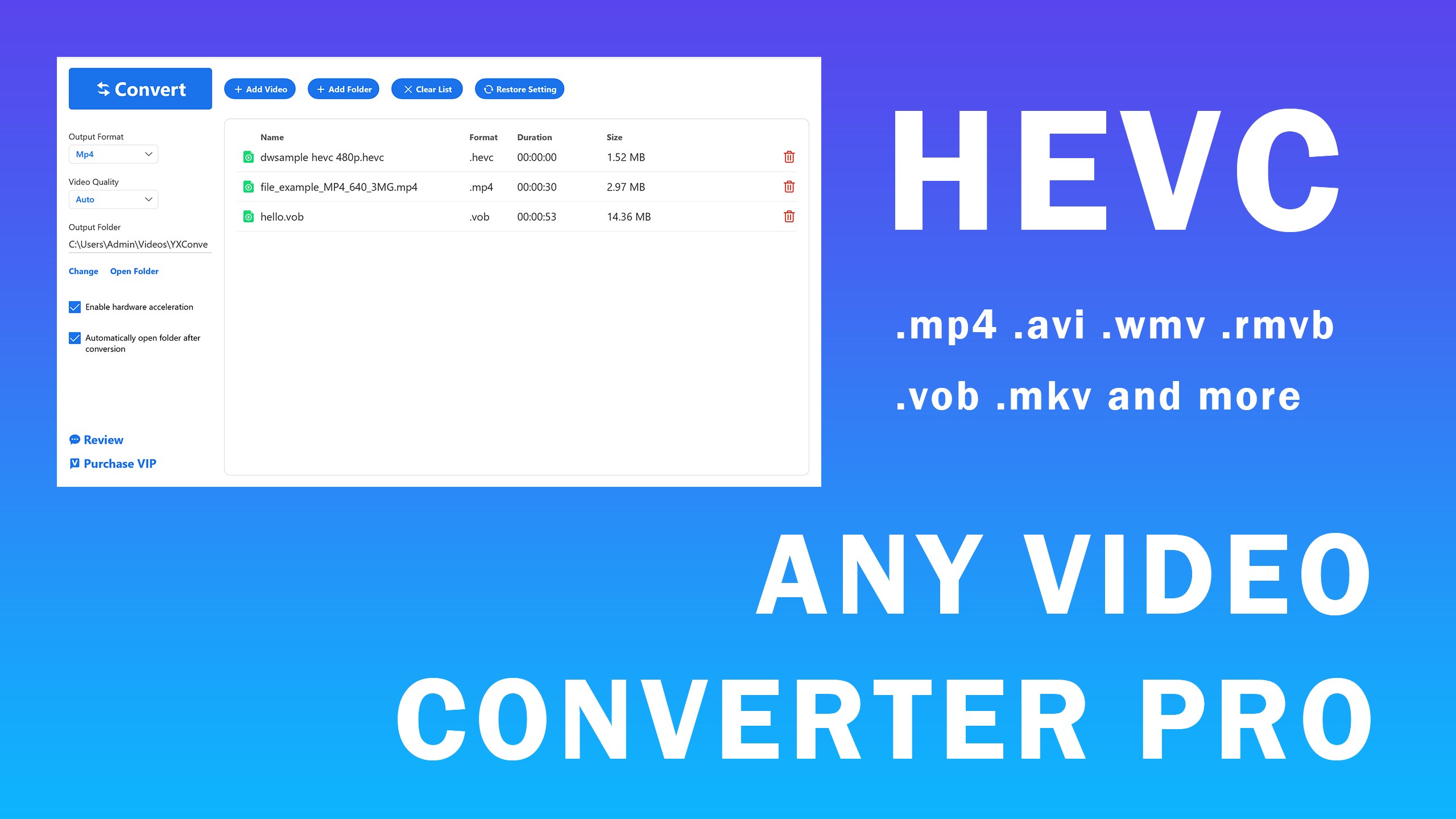
- Multi-File Batch Processing: Save time by queuing multiple files simultaneously rather than processing them one by one.
- Customizable Destination Folders: Set your preferred export directory with an option to automatically open the folder immediately upon completion.
- Post-Conversion Playback: Verify your converted files instantly with built-in, one-click playback functionality.
Understanding the Free vs. VIP Tiers
To help you decide if this utility fits your workflow, the developer offers two distinct tiers of service. The complimentary version provides first-time users with three trial conversions to test the speed and interface. Free usage supports video files under 10 minutes in length, limits batch processing to three files at once, and caps output resolution at HD720P and HD1080P. Upgrading to the VIP tier removes these limits, granting unlimited usage, unrestricted batch processing, and access to all supported video qualities.
Who Is This Tool For?
Whether you need to prepare a presentation, optimize a video for a specific media player, or rescue old family videos saved in obsolete formats, this tool offers a straightforward path forward. Its clean, modern interface is free of cluttered menus, making it highly accessible for casual users while delivering the robust performance required for quick, daily conversion tasks.
Get the App Today
If you are ready to simplify your media management, head over to the official Microsoft Store to download HEVC - Any Video Converter Pro and start optimizing your video collection today.
Rate the App
User Reviews





Popular Apps










Editor's Choice