
Latest Version
Sugar Labs Community
Education
Linux
Free
org.laptop.TurtleArtActivity
Report a Problem
More About TurtleBlocks
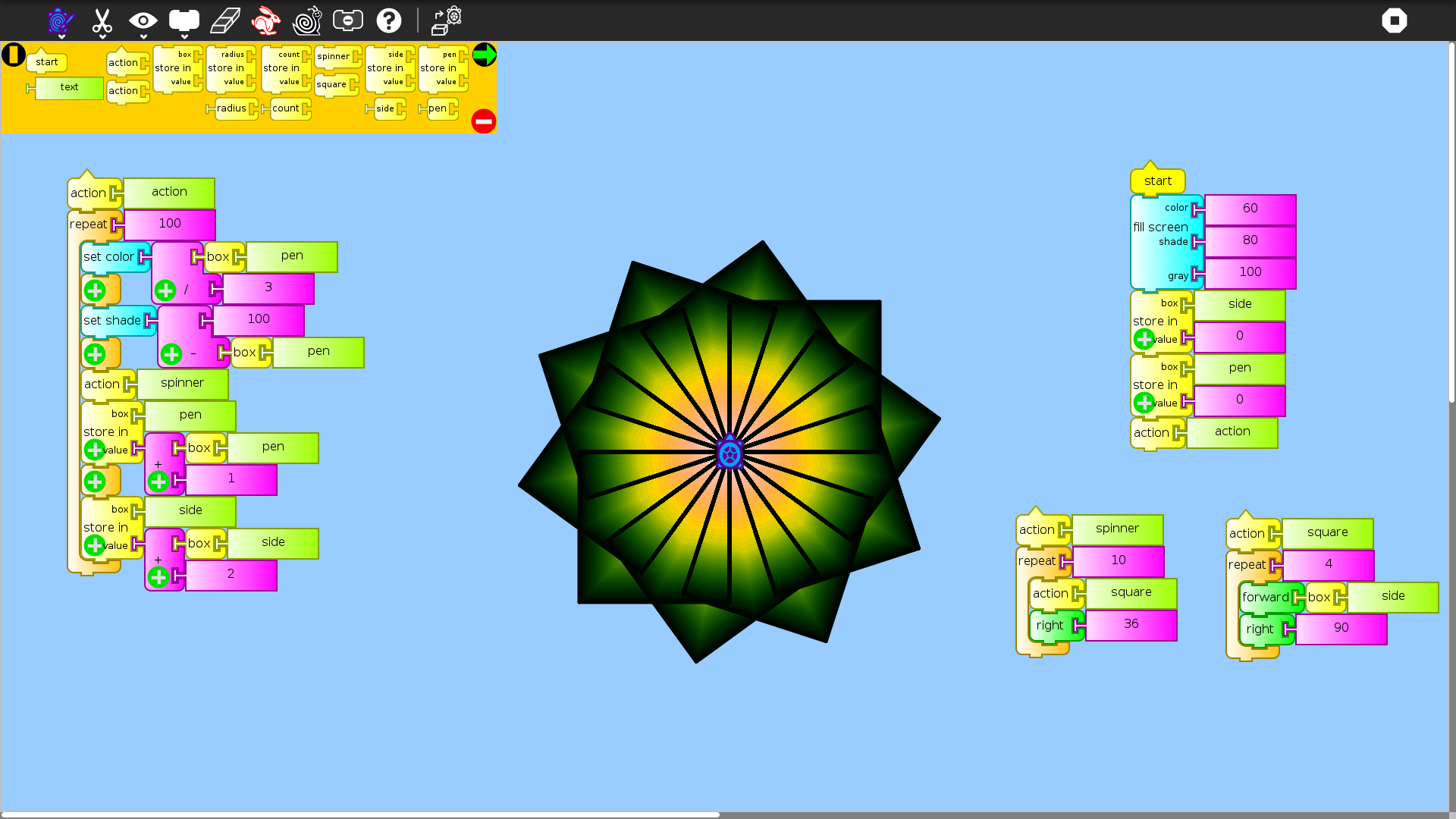
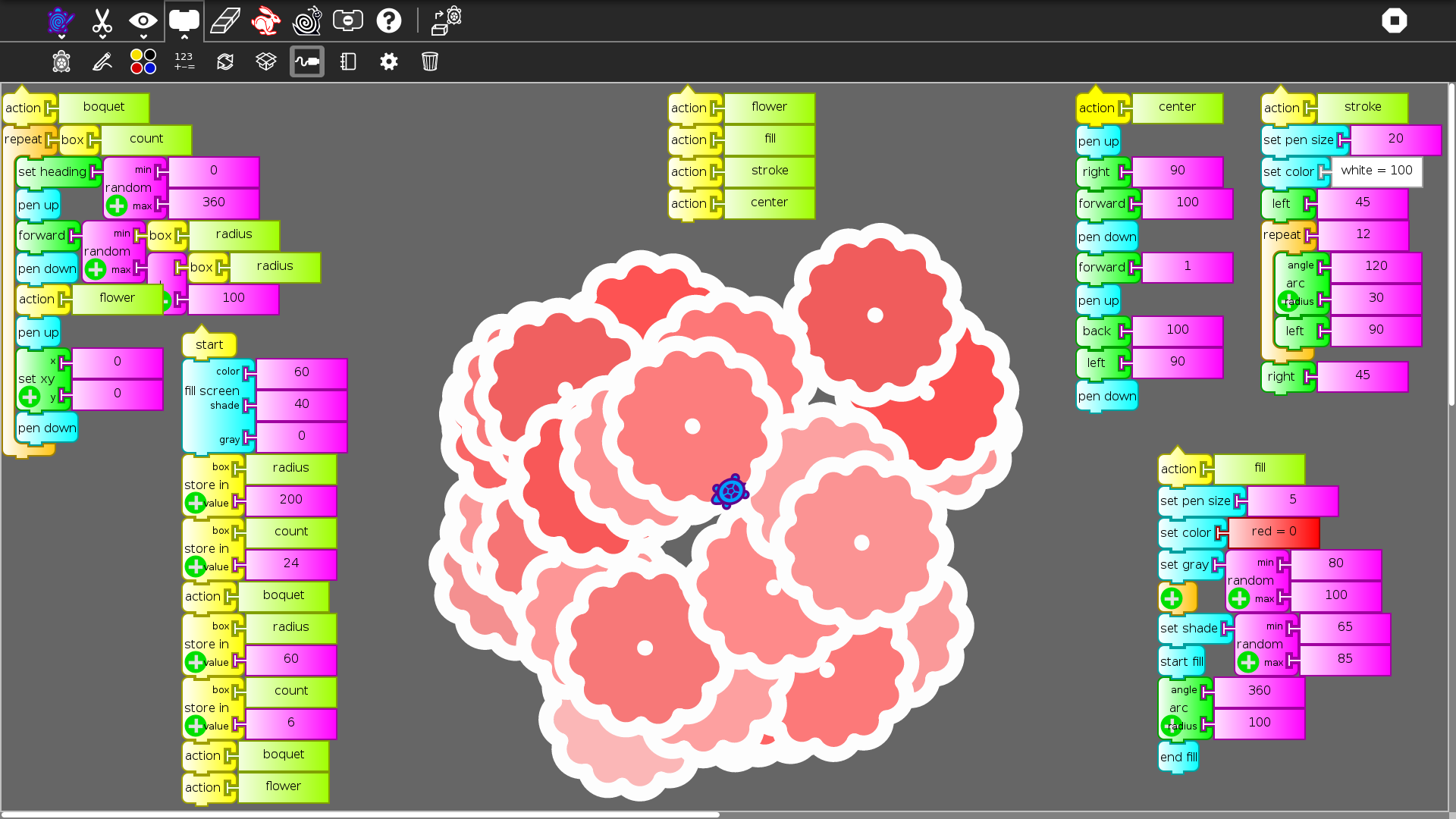
While many coding platforms focus strictly on syntax and text-based terminal outputs, the TurtleBlocks visual programming tool takes a completely different, highly visual approach. Designed by the Sugar Labs Community, this educational application bridges the gap between creative art and logical computer science by letting users control a virtual "turtle" to draw intricate, colorful geometric designs using snap-together blocks.
The Power of TurtleBlocks Visual Programming
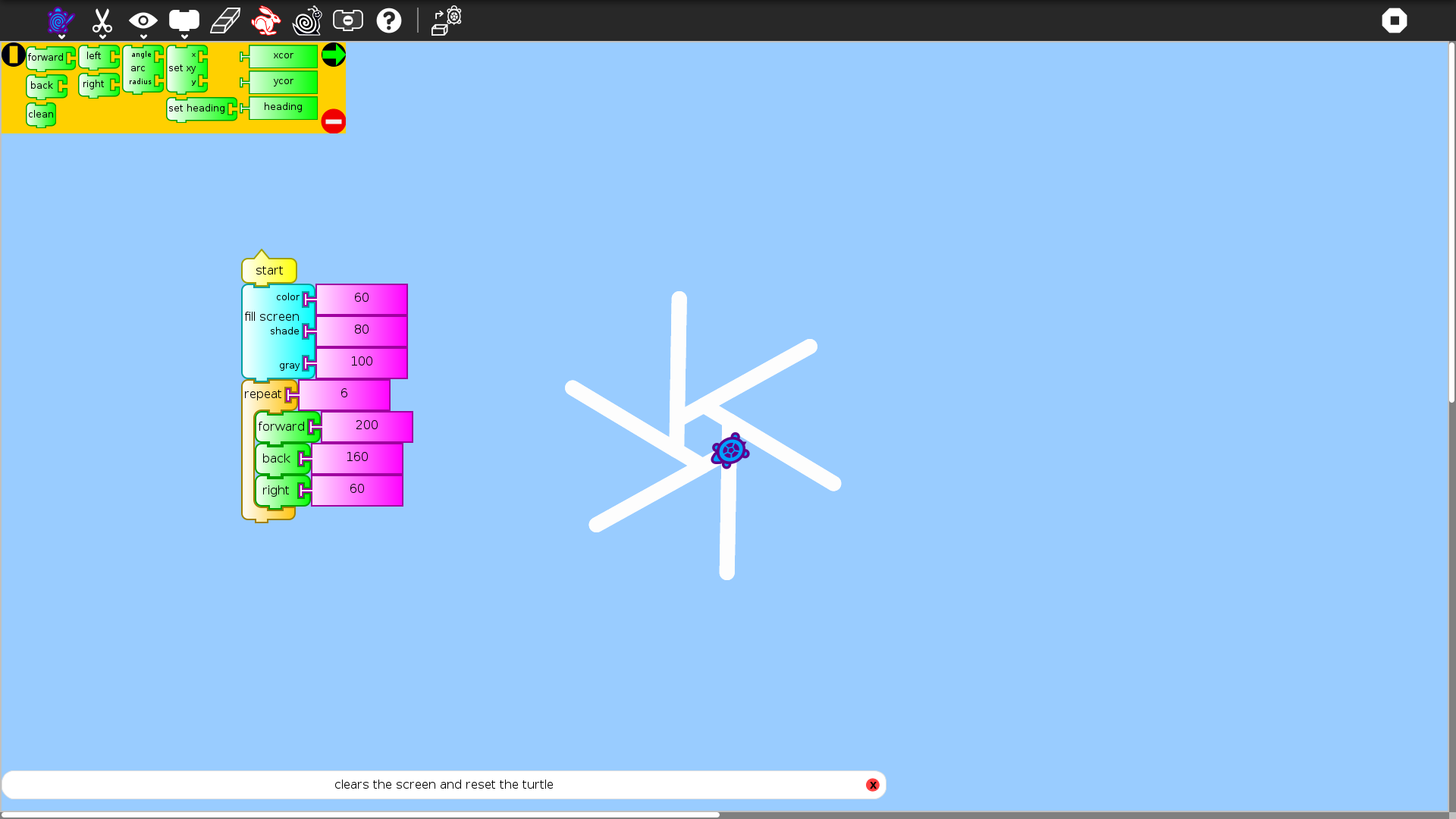
At its core, the software is heavily inspired by the classic Logo programming language. Instead of writing lines of code where a single misplaced semicolon can break the program, students drag and drop puzzle-like blocks. This visual interface allows learners to immediately see the relationship between their logical commands and the resulting digital artwork, providing instant visual feedback that reinforces learning.
A Scalable Learning Curve: Low Floor, High Ceiling
One of the most impressive aspects of the TurtleBlocks visual programming environment is its adaptability to different skill levels:
- The Low Floor: Beginners and younger students can start immediately. By snapping together just three or four basic blocks (such as forward, turn, and pen color), they can start drawing shapes within seconds.
- The High Ceiling: As students gain confidence, the platform introduces complex mathematical concepts, advanced programming structures, and computer science fundamentals. Users can experiment with variables, nested loops, and algebraic formulas to generate stunningly complex algorithmic art.
Who Is This Educational Tool For?
This Linux-compatible software is ideal for educators looking to integrate STEM or STEAM concepts into their classrooms. It is equally valuable for parents seeking a constructive, screen-time activity that teaches critical thinking. By combining mathematics with graphic design, it appeals to both analytical minds and artistic personalities, making computer science accessible to a broader demographic of students.
Explore Creative Coding Today
If you are looking for an intuitive, engaging, and completely free way to introduce computer science and geometry concepts, this software is an exceptional choice. To explore this creative learning environment firsthand, head over to the official Flathub store page to learn more about the application and install it on your Linux system.
Rate the App
User Reviews











Popular Apps








Editor's Choice