
Latest Version
Rise Up Labs
Internet
iOS
Free
368359203
Report a Problem
More About Bluetooth & Wifi App Box
The Local Sharing Dilemma Solved
Imagine you are sitting at a local coffee shop or traveling on a train with a friend, and you want to share a high-resolution photo or a contact card. You do not have a stable cellular connection, and public Wi-Fi is either sluggish or insecure. This is exactly where the Bluetooth & Wifi App Box local sharing utility steps in to save the day, allowing seamless peer-to-peer data transfers without relying on an active internet connection.
Developed by Rise Up Labs, the Bluetooth & Wifi App Box local sharing utility is designed specifically for iOS users who need a reliable, offline method to exchange files. By utilizing the built-in hardware of your iPhone, iPad, or iPod Touch, this application establishes a direct connection with nearby devices to facilitate quick and secure transfers.
Core Features of the Bluetooth & Wifi App Box Local Sharing Utility
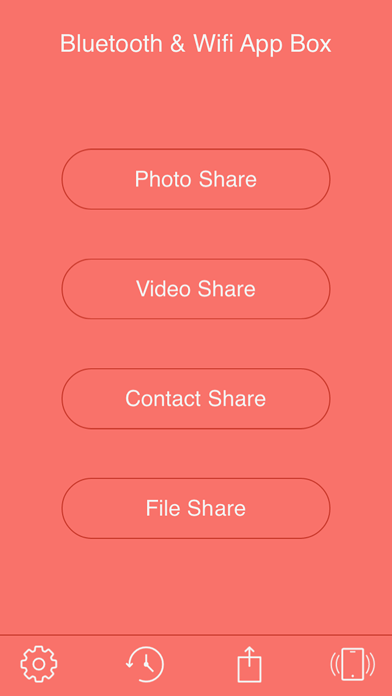
This utility consolidates several essential sharing tools into a single, straightforward dashboard. Here is what you can transfer using the app:
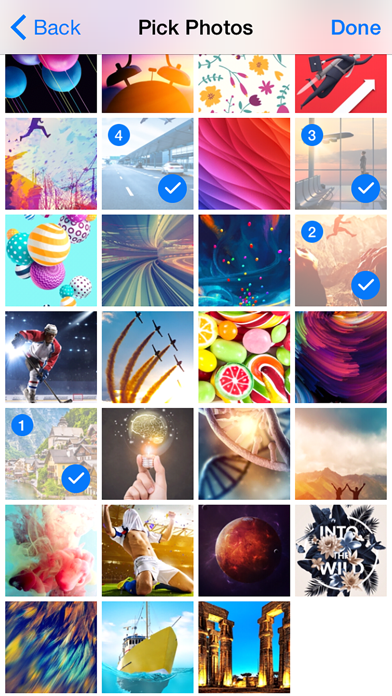
- Instant Photo Sharing: Easily send and receive images directly from your iOS Photo Library to a nearby device.
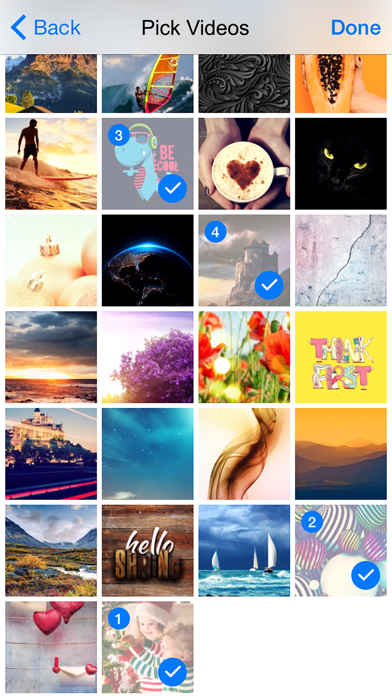
- Seamless Video Transfers: Move video files across devices quickly without compressing them through email or messaging apps.
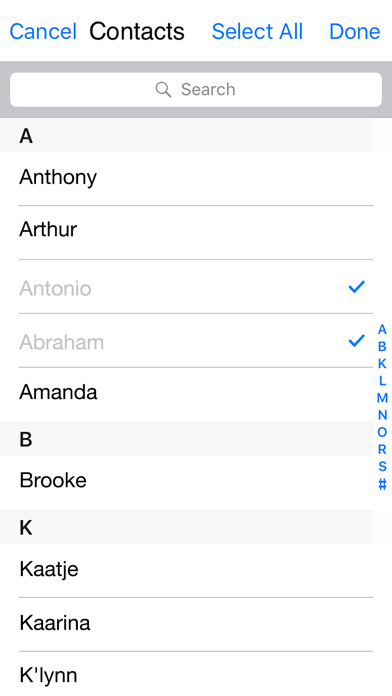
- Contact Sharing (Pro Feature): Exchange contact details instantly and save them directly into your device's address book.
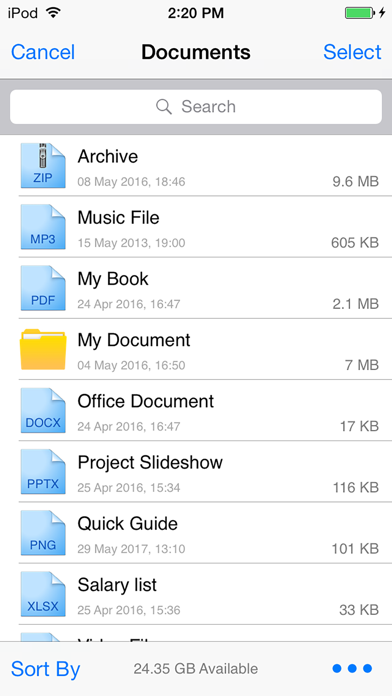
- Document and File Management (Pro Feature): Share document formats like PDF, Word, Excel, PNG, and JPEG. You can also organize your files within the app directory using iTunes on a Mac or PC.
How to Ensure a Successful Connection
To get the most out of the Bluetooth & Wifi App Box local sharing utility, there are a few operational requirements to keep in mind. First, all participating iOS devices must have the app installed and open simultaneously. Secondly, you must ensure that Bluetooth is enabled on all devices, or alternatively, that they are connected to the same local Wi-Fi network. Keeping the application updated to the latest version across all your devices guarantees optimal performance and compatibility.
Is This Utility Right for You?
If you frequently find yourself needing to share media and documents with colleagues or friends nearby without burning through mobile data, this tool offers a highly practical solution. It bypasses the need for cloud-based storage intermediaries, keeping your transfers entirely local and private.
To explore this utility further and add it to your mobile toolkit, head over to the official App Store to see if it fits your daily workflow.
Rate the App
User Reviews















Popular Apps










Editor's Choice